
Zoning Intelligence
Bring official zoning relevance into the same workflow as your map review, so a parcel is never evaluated in a vacuum.
Zoning context, high-resolution latest satellite imagery, annual change detection, and lakes overlays — in one field-ready workflow. Move from suspicion to evidence without switching tools.
Get it onGoogle Play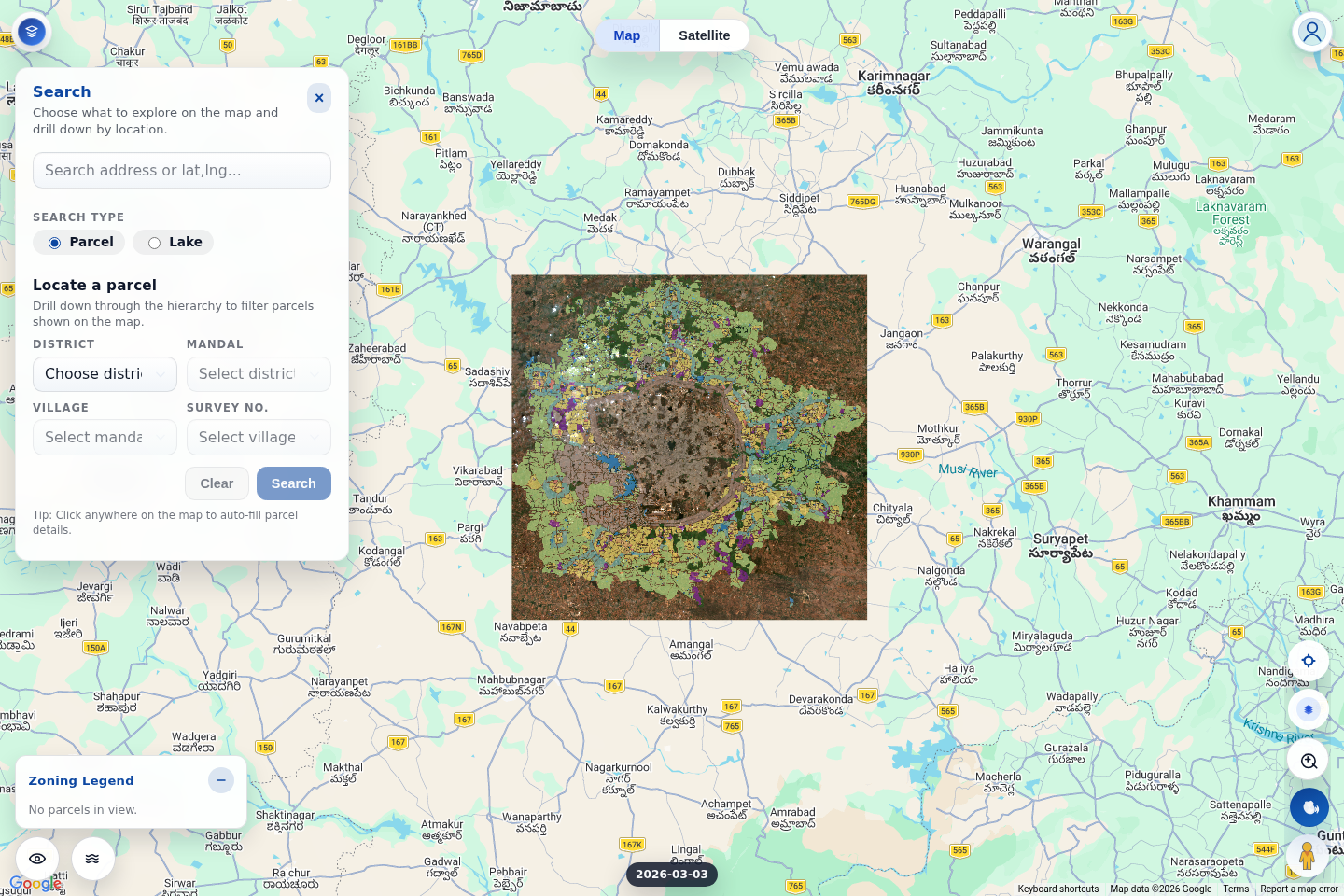
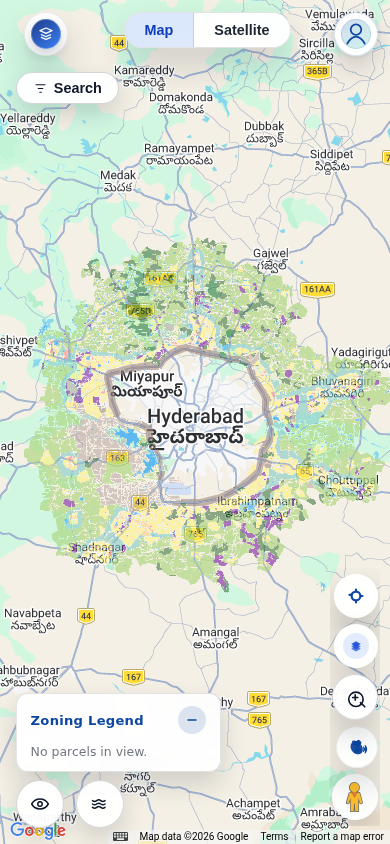
Shaped around the questions people actually ask before buying, monitoring, or validating land: what changed, what is this site compatible with, and what to verify next.
Bring official zoning relevance into the same workflow as your map review, so a parcel is never evaluated in a vacuum.
Year-based change views (2017–2024) surface construction, clearing, dumping, or encroachment that deserves a closer look.
Use clearer, current satellite context to decide whether a site visit, call, or deeper investigation is warranted.
Follow district → mandal → village → survey hierarchy to reach the exact parcel and ground analysis in the right place.
Overlay lakes and nearby constraints before making assumptions, so land assessment stays connected to its surroundings.
Move from a quick map check to decision support — with drone and GIS service follow-through where deeper work is needed.
Land Lens is most useful when the workflow feels tight, repeatable, and defensible.
Start with the right location path so the rest of the analysis attaches to the right piece of land.
Overlay zoning relevance and lakes information before making assumptions from satellite imagery alone.
Shift from a static visual read to a temporal one to understand whether the land has moved recently.
Once the signal is clear, move toward reports, on-ground verification, or higher-resolution services.
A quick walkthrough of the search, zoning, imagery, and change-detection workflow.
Start with Explore, pass through auth, and move directly into the live map experience where the real land review begins.